
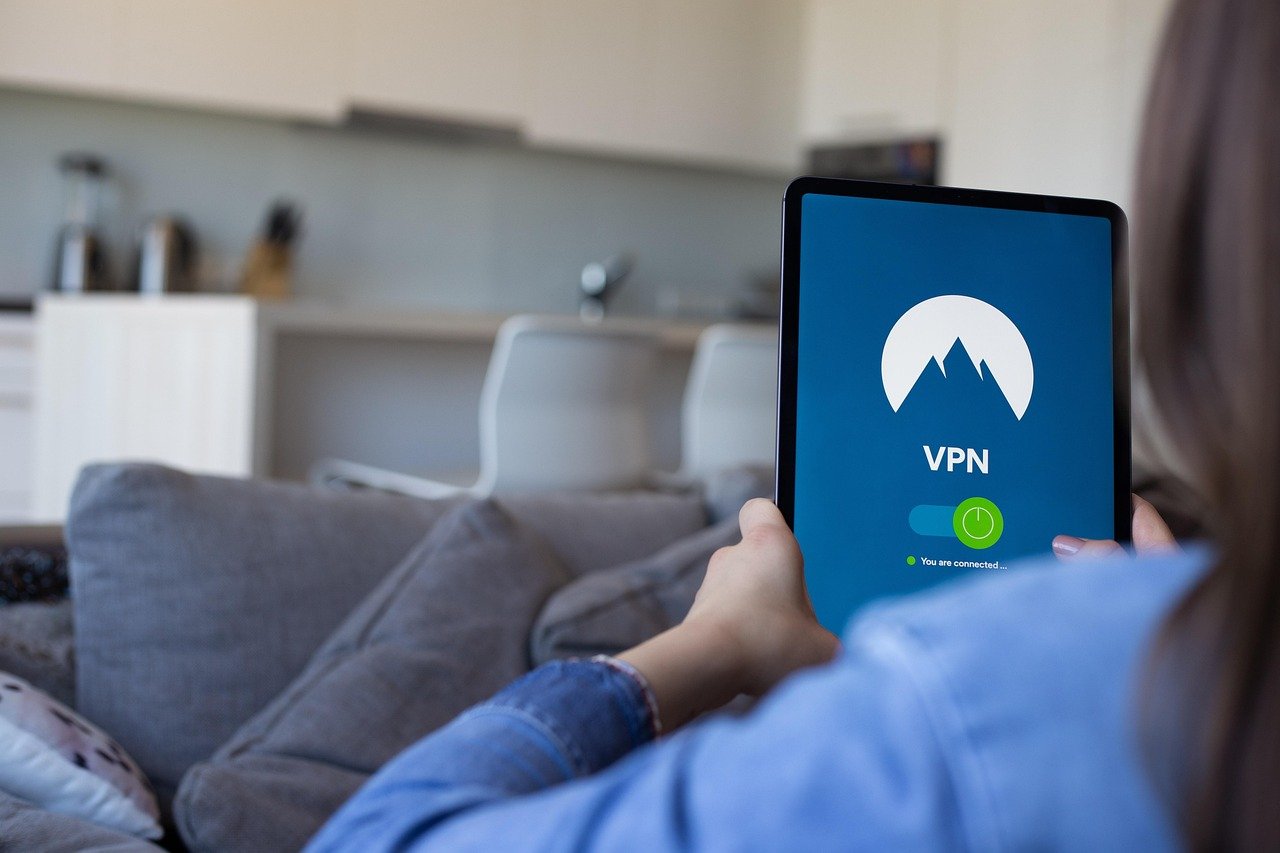
Privacy in the digital age feels like a constantly eroding right. From targeted advertising to government surveillance, our online activities are tracked and analyzed more than ever. This is where a Virtual Private Network (VPN) enters the picture, offering a valuable tool to reclaim some of that lost privacy. But how exactly does a VPN enhance your privacy, and is it the right choice for you? This post will delve into the details, exploring the benefits, limitations, and practical applications of VPNs for privacy protection.
Understanding VPNs and Privacy
What is a VPN?
A VPN essentially creates a secure, encrypted tunnel for your internet traffic. Think of it as a private highway that hides your data from prying eyes. When you connect to the internet through a VPN, your data is encrypted, meaning it’s scrambled into an unreadable format. This encrypted data then travels to the VPN server, which is located in a different location. The VPN server then acts as an intermediary, sending your traffic to its final destination.
- Encryption: This is the core of VPN security. It scrambles your data using complex algorithms, making it unreadable to anyone intercepting it.
- IP Address Masking: Your IP address is like your online address, revealing your location and identity. A VPN masks your real IP address with the VPN server’s IP address, effectively hiding your location.
- Server Network: VPN providers have servers in various locations around the world, allowing you to choose a server that suits your needs.
How VPNs Enhance Privacy
VPNs enhance your privacy in several key ways:
- Hiding Your Browsing Activity: Your ISP (Internet Service Provider) can track your browsing history, which can be used for targeted advertising or even sold to third parties. A VPN encrypts your traffic, preventing your ISP from seeing which websites you visit.
- Protecting Against Surveillance: Governments and other entities may engage in online surveillance. A VPN can make it more difficult for them to track your online activities.
- Securing Public Wi-Fi: Public Wi-Fi networks are often unsecured, making them vulnerable to hackers. A VPN encrypts your data, protecting you from man-in-the-middle attacks.
- Circumventing Censorship: In some countries, governments censor the internet, blocking access to certain websites and services. A VPN can be used to bypass these restrictions.
- Preventing Price Discrimination: Some online retailers use your IP address to determine your location and adjust prices accordingly. A VPN can help you find better deals by masking your location. Example: Booking flights from a country with lower average income sometimes results in cheaper prices.
Choosing the Right VPN for Privacy
Key Features to Consider
Not all VPNs are created equal. When choosing a VPN for privacy, consider the following features:
- No-Logs Policy: This is crucial. A reputable VPN provider should have a strict no-logs policy, meaning they don’t track or store your browsing activity. Read the privacy policy carefully!
- Strong Encryption: Look for VPNs that use strong encryption protocols like AES-256.
- Kill Switch: A kill switch automatically disconnects your internet connection if the VPN connection drops, preventing your data from being exposed.
- Server Locations: Choose a VPN with servers in locations that are important to you.
- Jurisdiction: The country where the VPN provider is based can affect its privacy policy and legal obligations. Research the jurisdiction to ensure it aligns with your privacy needs.
- Reputation: Read reviews and research the VPN provider’s reputation before signing up.
Free vs. Paid VPNs
While free VPNs may seem tempting, they often come with limitations and risks:
- Limited Bandwidth: Free VPNs typically offer limited bandwidth, which can be frustrating if you plan to use them for streaming or downloading.
- Slower Speeds: Free VPNs often have slower speeds than paid VPNs, as they are typically overcrowded.
- Data Logging: Some free VPNs log your browsing activity and sell it to third parties, defeating the purpose of using a VPN for privacy.
- Malware Risks: Some free VPNs contain malware, which can compromise your security.
- Advertisements: Many free VPNs bombard you with advertisements, which can be annoying and disruptive.
- Recommendation: For optimal privacy, it’s generally recommended to choose a reputable paid VPN provider. The cost is a worthwhile investment in protecting your online security and privacy.
Practical Applications of VPNs for Privacy
Protecting Your Identity Online
- Bypassing Geo-Restrictions: Use a VPN to access content that is not available in your region, such as streaming services or news websites.
- Secure Online Shopping: Protect your credit card information and personal data when shopping online, especially on public Wi-Fi networks.
- Anonymous Torrenting: Use a VPN to hide your IP address when torrenting, preventing copyright holders from tracking your downloads. However, be aware that torrenting copyrighted material is illegal in many countries.
- Protecting Against DDoS Attacks: A VPN can help protect against Distributed Denial of Service (DDoS) attacks, which can disrupt your internet connection.
Securing Communications
- Encrypting Email: Use a VPN in conjunction with encrypted email services (like ProtonMail) for enhanced privacy.
- Secure Messaging: Use a VPN when using messaging apps like Signal or WhatsApp to further protect your communications.
- VoIP Security: VPNs can secure VoIP (Voice over Internet Protocol) calls, preventing eavesdropping.
Tips for Maximizing Privacy with a VPN
- Use a Strong Password: Choose a strong, unique password for your VPN account.
- Enable Two-Factor Authentication: If available, enable two-factor authentication for your VPN account.
- Regularly Update Your VPN Software: Keep your VPN software up-to-date to ensure you have the latest security patches.
- Use a Leak Test: Regularly test your VPN connection for IP address leaks and DNS leaks.
- Combine with Other Privacy Tools: Use a VPN in conjunction with other privacy tools like Tor, Privacy Badger, and DuckDuckGo for maximum privacy.
Limitations of VPNs
VPNs Don’t Guarantee Complete Anonymity
While VPNs significantly enhance your privacy, it’s important to understand their limitations. A VPN cannot completely guarantee anonymity:
- Cookies and Trackers: VPNs don’t block cookies or trackers. You still need to use browser extensions like Privacy Badger or Ghostery to prevent websites from tracking your browsing activity.
- Account Logins: When you log in to online accounts (e.g., Google, Facebook), those platforms can still track your activity, even if you’re using a VPN.
- Javascript: Javascript can be used to fingerprint your browser, even with a VPN.
- Endpoint Vulnerabilities:* Your device itself might have vulnerabilities that could compromise your privacy, even with a VPN.
Trusting Your VPN Provider
You are essentially trusting your VPN provider with your internet traffic. It’s crucial to choose a reputable provider with a strong track record and a clear privacy policy. If the VPN provider is compromised, your data could be exposed.
Conclusion
A VPN is a powerful tool for enhancing your online privacy, but it’s not a magic bullet. It’s essential to understand how VPNs work, choose the right VPN provider, and use them in conjunction with other privacy tools to maximize your protection. By taking these steps, you can reclaim some control over your online privacy and reduce your risk of being tracked and monitored. Remember to research different VPN providers, read their privacy policies, and choose one that aligns with your privacy needs and values. Ultimately, using a VPN is a valuable step in protecting your digital identity and reclaiming your right to online privacy in an increasingly interconnected world.


